One less card. One less app.
Just you.
One biometric identity across every merchant, loyalty program, and payment method: on any device, in any country.
Pay with your face · at any checkout, any device
AyeFace Checkout runs on the merchant's device in-store, or on merchant's e-commerce online.
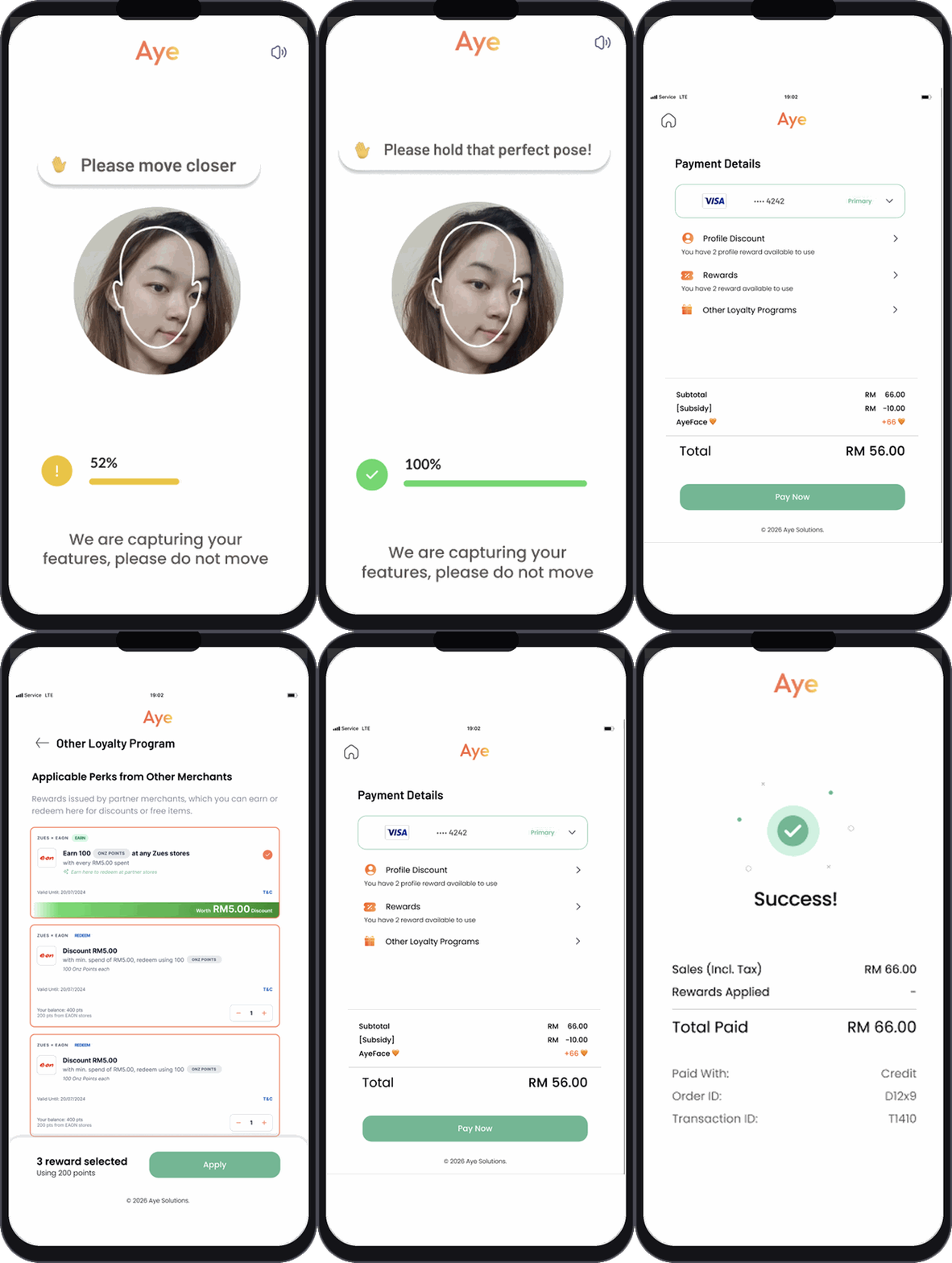
Walk up to any AyeFace terminal
The merchant's device shows the AyeFace checkout screen facing the customer.
Choose: scan your face or scan a QR
Face mode
Look at the camera, blink once, select payment & rewards.
QR mode
Scan the QR to launch AyeFace checkout on your web browser and complete the face scan & payment/rewards selection on your own device.
Pick your payment method
Visa, Mastercard, Amex, JCB, Apple Pay, Google Pay, plus national QRs and regional e-wallets across APAC, all linked to your AyeFace profile.
Payment + rewards applied instantly
Loyalty points earned, campaigns applied, and receipt sent, all in the same transaction.
Everything in one portal
9 features across payments, loyalty, and cross-border, all on user.ayeface.com, no app download needed.
Payment Method Linking
Link all your cards and e-wallets. Pick your preferred method at checkout, or let AI optimize for rewards.
Unified Loyalty Dashboard
All your points, stamps, and memberships in one place. No more juggling ten different loyalty apps.
Nearby Rewards
See live offers from merchants around you: filtered by what you've actually bought before.
Friend Rewards
Refer friends and earn points when they transact. Both parties benefit: across any Collab Hub merchant.
Points Conversion
Convert points across merchants and programs at transparent rates. Your loyalty has real liquidity.
Spend & Loyalty Limits
Set daily spend caps, redemption limits, and auto-save rules. Full control without touching individual apps.
Cross-Border Payments Soon
Use your SEA payment methods at merchants in China: face-authenticated, zero extra setup.
Savings Wallet Soon
Auto-save a percentage of every transaction into a locked savings goal. Savings can be held in stablecoins (USDC/USDT) to earn on-chain yield: with biometric access only.
Micro-Invest Soon
Round up transactions and invest spare change into ETFs or bonds. Loyalty points can seed your investment pot.
Your Biometrics, Your Rules.
AyeFace is strictly opt-in. Here's exactly what enrollment looks like, and what you're agreeing to.
Your scan is private. No image is stored or shared.
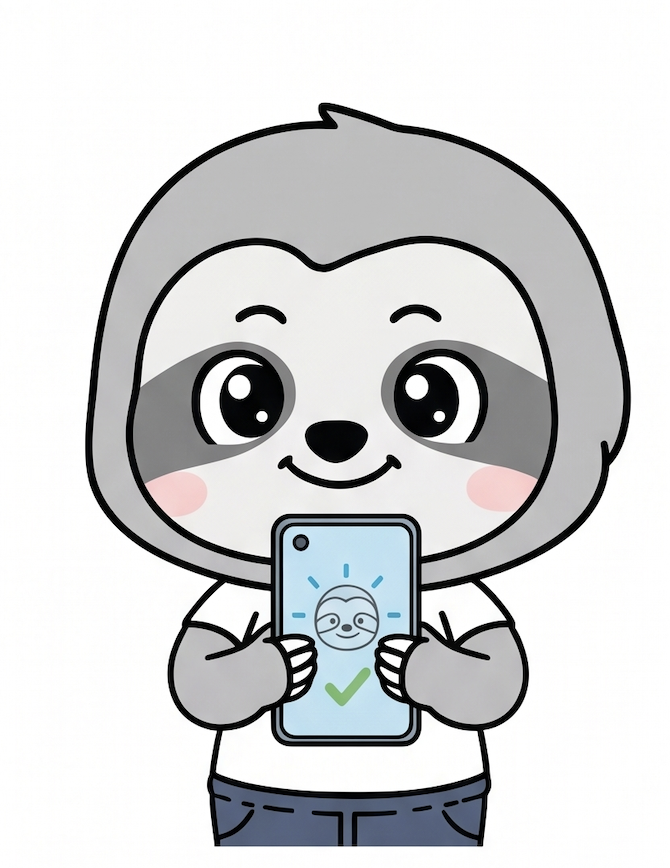
We do not store card info. Payments are handled by PCI-DSS-certified payment processors.
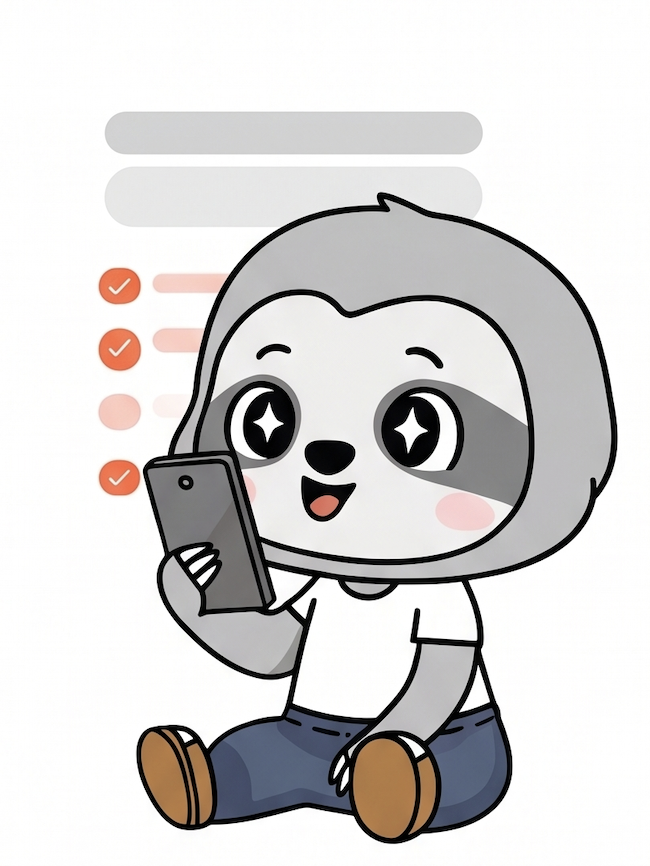
Done! Payment methods and PIN limits can be added/removed anytime in the User Portal.

Biometric enrollment happens once: during your first sign-up on user.ayeface.com. After that, your face becomes your universal identity token at every AyeFace checkout. You choose whether to link it to a payment method for seamless payment, or keep it only for perks earning and redemption while paying separately by card or QR.
Open your portal, hit Delete Account. Your face ID is deactivated instantly so it can never identify you again: then permanently purged from all records within 30 days.
Every AyeFace terminal shows a QR option alongside the merchant camera. Scanning the QR opens AyeFace on your own phone so the face scan happens on your device instead of the merchant's: giving you full control over where your face is verified.
Merchants receive only generic transaction activity. Your biometric template, payment credentials, and identity data are never shared with any merchant.
Where does biometric processing happen? Your face is captured and turned into an encrypted template right on the device doing the scan: your phone or the merchant's terminal, and the raw image never leaves it. That encrypted template is sent to AyeFace to match you. Separately, an encrypted evidence record is created on the device and sent to us so a disputed or suspected fraudulent transaction can be investigated: unlike the template, it can be decrypted, but only with dedicated keys under strict access control, and every access to it is logged.
Your face, your device
Verify on your own phone, or simply look at the merchant's camera: your choice at every checkout. Either way, your face is converted into an encrypted template on the scanning device itself. The raw image is never transmitted anywhere.
Delete anytime
Request deletion from the user portal: your template is deactivated instantly and permanently purged within 30 days. GDPR & PDPA compliant.
Raw image never stored
Your face is converted to an encrypted mathematical template on-device. The raw image is never transmitted or stored, not even by AyeFace.
Your data, your control
Cross-merchant personalisation is opt-in: switch it off anytime in your portal and still use checkout. AyeFace never sells or shares your behavioural or transaction data for advertising; it's used only to run the features you've turned on. Deleting your account erases your behavioural history too, not just your face template.
Your face can pay · but it can't be used against you
At AyeFace your face does one job: pay and earn rewards. It isn't a master key: it can't get into your bank, your accounts, or your phone, and it's never used as your ID anywhere else, so it can't be turned into access to your money or identity. Paying is safe by design, too: every payment needs a fresh live scan (your real face, right then), so a photo or stolen data can't pay as you. Your payment can only ever go to the merchant you're paying, and every AyeFace merchant is a verified, registered business (KYB-checked), so funds always reach a real, accountable shop. And AyeFace never stores your card details: payments are handled entirely by our bank and PCI-DSS-certified payment partners.
One Face, Everywhere You Go
Every payment method, every merchant, every loyalty program: one face.